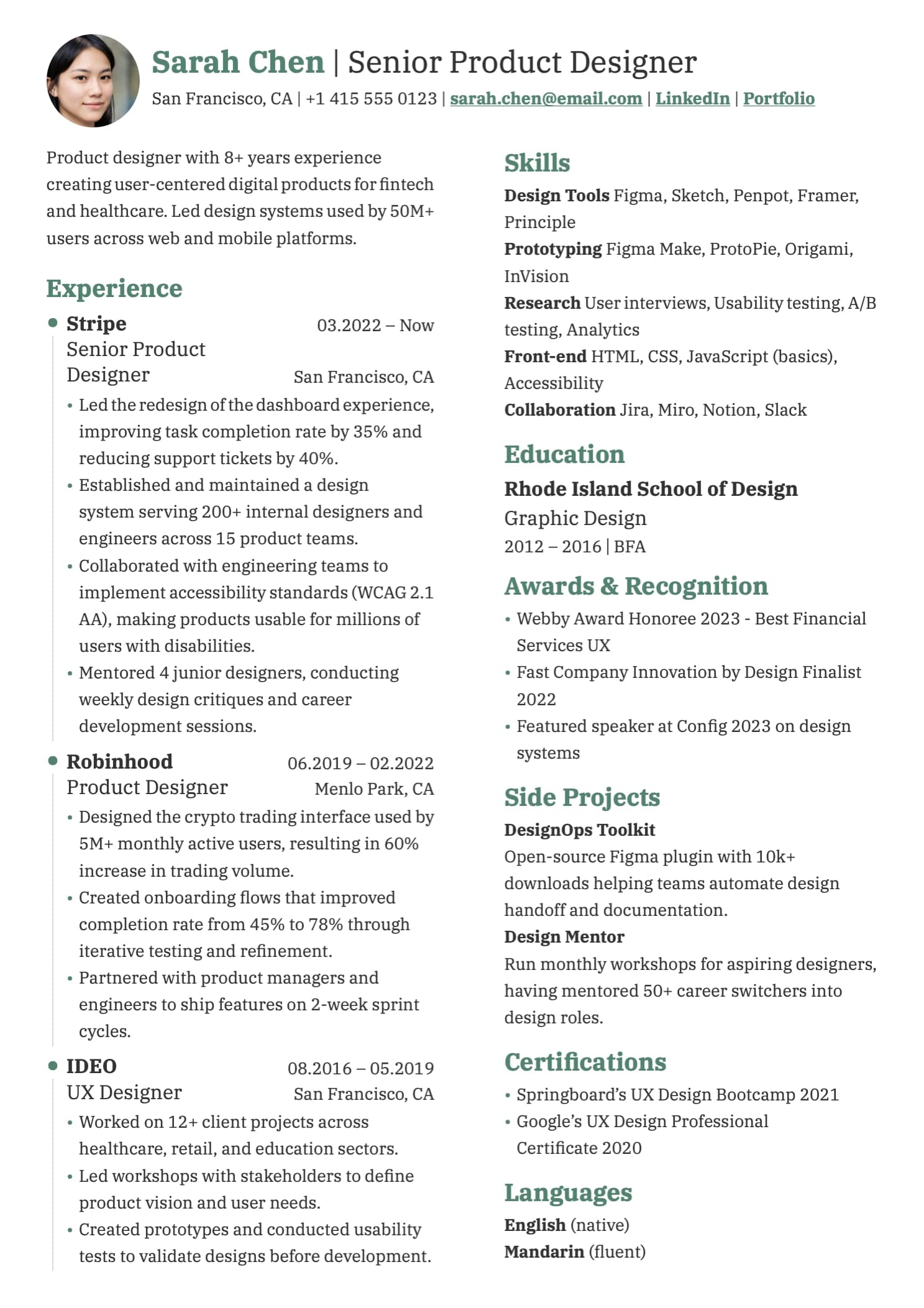
You know you should tailor your resume for every application. Every career coach says it. Every article about job searching mentions it. And yet most people send the same PDF to 30 companies because rewriting a resume from scratch for each role is genuinely tedious.
Here's the thing: AI has made this easy. Not in the "let ChatGPT write your whole resume" way – that produces generic, obviously-AI-generated text that recruiters spot immediately. But in the "use AI as a focused editing tool" way, where you stay in control and the tailoring takes minutes instead of hours.
This guide walks through the full workflow.
Why tailoring actually matters
Two audiences read your resume: software and humans. Both care about relevance.
Applicant Tracking Systems (ATS) parse your resume and match keywords against the job description. If the listing says "stakeholder management" and your resume says "cross-functional collaboration," an ATS might not make the connection. A human would – but your resume may not reach a human.
Recruiters spend an average of 6–8 seconds on an initial resume scan. They're looking for signal: does this person's experience map to what we need? A tailored resume makes that signal obvious. A generic one makes the recruiter do the work – and they won't.
Tailoring doesn't mean lying or reinventing your background. It means adjusting emphasis, mirroring language from the job posting, and surfacing the most relevant parts of your experience for each specific role.
The master CV strategy
Before you tailor anything, you need a source of truth: a single, comprehensive resume that contains everything.
- Every role you've held, with detailed descriptions
- Every skill you have, not just the ones for one type of role
- All projects, certifications, achievements, and education
- A thorough summary that covers your full professional identity
This is your master CV. You never send it directly to anyone – it's too long, too broad, and not targeted. Instead, you use it as the starting material that AI tailors for each application.
The master CV approach works because:
- You write once. All the hard thinking about how to describe your experience happens once, in one place.
- Nothing gets lost. That side project from 2023 that's irrelevant for most roles? It's still in your master CV, ready for the one application where it matters.
- AI has everything to work with. The more context you give the AI, the better it can select and emphasize the right things for each role.
The workflow: tailoring a resume with AI in 5 minutes
Here's the process, step by step.
Step 1: Start with your master CV
Open your master CV in whatever builder you use. Make sure it's up to date – if you finished a project last month or picked up a new certification, add it now. Your master CV should always reflect your current state.
Step 2: Get the job description
Copy the full job description for the role you're applying to. Not just the title – the responsibilities, requirements, preferred qualifications, all of it. This is the context the AI needs to make good decisions about what to emphasize.
Step 3: Build the prompt
This is where most people go wrong. They paste their resume into ChatGPT and type "make this better for a product manager role." That's too vague. The AI doesn't know what to optimize for, so it optimizes for nothing – just makes things wordier.
A good prompt has three parts:
- Clear instructions about what to change and what not to change
- The job description so the AI knows what to target
- Your CV data so the AI has the raw material
Here's a prompt structure that works:
You are a professional CV editor. Tailor the CV below for the provided job description.
Rules:
- Only modify text content (headlines, descriptions, summaries, skills)
- Do NOT remove or add sections – just adjust what's there
- Mirror language from the job description where it naturally fits
- Keep it concise and professional
- Prioritize the most relevant experience for this role
Job Description: [paste job description]
CV: [paste CV content]
Step 4: Review the output – don't blindly accept it
This is the most important step and the one most people skip.
AI will sometimes:
- Over-optimize keywords. If the job description mentions "data-driven" three times, the AI might stuff it into every bullet point. Read it out loud – if it sounds robotic, dial it back.
- Exaggerate your experience. "Assisted with quarterly reports" becomes "spearheaded comprehensive reporting strategy." If you can't defend it in an interview, change it back.
- Remove useful details. In trying to be concise, AI sometimes cuts specifics that actually matter – metrics, tool names, team sizes. Add them back.
- Sound generic. Phrases like "leveraged cross-functional synergies to drive impactful outcomes" say nothing. Replace AI-speak with plain language that describes what you actually did.
Spend 2–3 minutes reading through the tailored version. Fix anything that doesn't sound like you. The goal is a resume that reads like you wrote it for this specific role – because you did, with help.
Step 5: Import, review, and export
If your tool supports importing AI output back in, do that and check the formatting. If not, manually update the relevant sections. Either way, preview the final PDF before downloading.
Real examples: what good tailoring looks like
Resume summary – before (generic)
Experienced product manager with 6+ years of experience in the tech industry. Skilled in agile methodologies, user research, and cross-functional team leadership. Passionate about building products that users love.
Resume summary – after (tailored for a B2B SaaS PM role)
Product manager with 6 years of experience shipping B2B SaaS products. Led a 12-person cross-functional team through a platform migration that reduced churn by 18%. Background in user research and data analysis, with a focus on enterprise customer workflows.
What changed: the generic version could apply to any PM role. The tailored version mirrors B2B SaaS language, adds a specific metric, and highlights enterprise experience – because that's what the job description asked for.
Skills section – before
JavaScript, TypeScript, React, Node.js, Python, SQL, AWS, Docker, Kubernetes, GraphQL, REST APIs, CI/CD, Agile, Scrum
Skills section – after (tailored for a frontend-heavy role)
React, TypeScript, Next.js, JavaScript, GraphQL, REST APIs, CSS/Tailwind, Accessibility (WCAG), Performance Optimization, CI/CD, Agile
What changed: the backend and DevOps skills moved out. Frontend-specific skills that were implied but not listed (Next.js, accessibility, performance) got added from the master CV. The ordering now leads with what matters most for this role.
Common mistakes to avoid
Letting AI add skills you don't have. If the job description asks for Kubernetes experience and you don't have it, don't let the AI add it. Tailoring means reshuffling what's real, not fabricating.
Using the same prompt for every role. The whole point is that each application gets a different job description in the prompt. If you're reusing the same prompt without swapping in the new job posting, you're not tailoring – you're just reformatting.
Over-tailoring. If you contort every bullet point to match one job description, the resume stops being coherent. You should still sound like one person with a consistent career arc, not a shapeshifter who somehow has exactly 3 years of experience in whatever the listing asks for.
Skipping the master CV update. If you've been applying for two months and your master CV hasn't changed, you're working with stale material. Every time you finish a project, learn a tool, or get results worth mentioning – update the master.
How we built this into HiredByThis
Full disclosure: we built the HiredByThis resume builder specifically around this workflow because we were doing it manually ourselves and it was painful.
Here's how it works in practice:
- You build your master CV in the editor – all sections, all experience, nothing left out.
- When you're ready to apply for a role, you click Copy Prompt. A modal lets you paste the job description. It packages everything – your CV data as structured JSON, the job description, and tailoring instructions – into a single prompt on your clipboard.
- You paste it into ChatGPT, Claude, Gemini, or whichever AI assistant you prefer. We're tool-agnostic; it works with any of them.
- The AI returns tailored JSON. You click Import JSON back in HiredByThis. Your formatting, layout, fonts, and photo stay exactly the same – only the text content updates.
- You review, adjust anything that needs a human touch, and download the PDF.
The whole loop takes about 5 minutes per application. No copy-pasting between text fields, no reformatting, no "download as .docx and hope the layout survives."
The bottom line
Tailoring your resume for every application used to be the advice everyone gave and nobody followed because it took too long. AI changes that equation – not by writing your resume for you, but by handling the tedious part (adapting existing content to a new context) while you stay in control of what's actually true and how it sounds.
The workflow is simple: maintain one master CV, pair it with each job description, let AI draft the tailored version, review it yourself, and send it out. Whether you use a dedicated tool or just a text editor and ChatGPT, the approach works.
The people who are getting interviews right now aren't the ones with the fanciest templates. They're the ones whose resumes make a recruiter think "this person is exactly what we're looking for" – because every word was chosen with that specific role in mind.